

Exponent Connect software for the Powder Flow Analyser
One software platform for both your PFA and Texture Analyser – with PFA-specific projects, macros and a comprehensive built-in help guide.
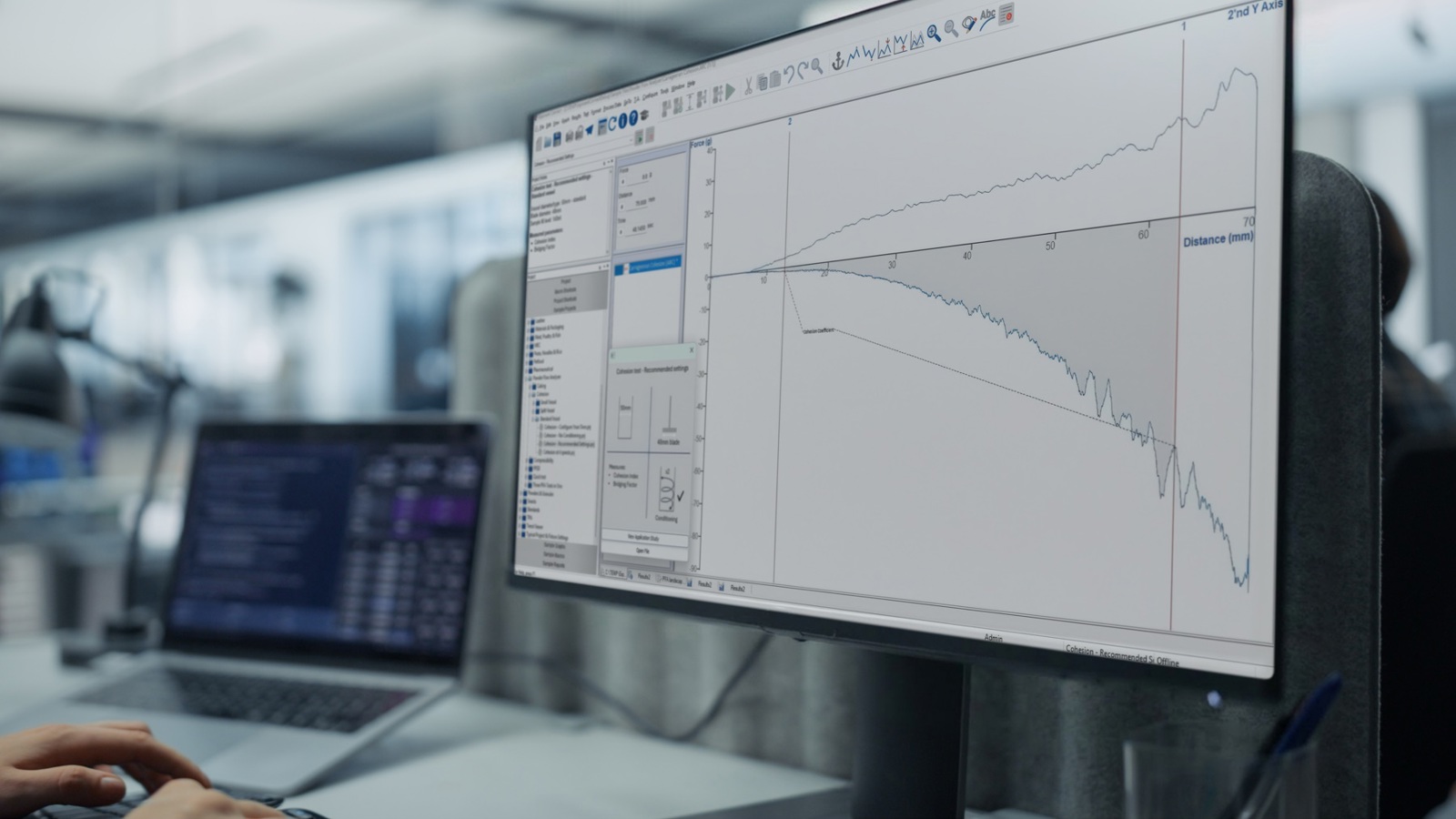
One software platform, two instruments
The Powder Flow Analyser sits on a Texture Analyser and is driven by the same Exponent Connect software. That means if you already use a Texture Analyser, you already know how to run the PFA. And if you're new to both, you only have one software package to learn – not two.
This matters in practice. Switching between powder flow testing and texture analysis is a matter of changing the attachment, not opening a different program, logging into a different system, or training staff on separate interfaces. Everything – test projects, macros, spreadsheets, charts, and reports – lives in the same environment.
Ready-made PFA test projects – start testing immediately
Rather than building test methods from scratch, the PFA comes with a library of ready-made test projects for each test type: Cohesion, Cohesion at 4 speeds, PFSD, Caking, Compressibility, and Consolidation and Caking. Each project is pre-configured with:
- recommended test settings for the standard vessel
- the correct blade sequence and speed parameters
- a macro to automatically calculate the key parameters
- a spreadsheet ready to collect results and perform statistical analysis
Projects can be loaded directly from Exponent Connect’s project panel at the click of a button, so the path from opening the software to running your first test is as short as possible. You can also modify any project or build your own from scratch if your application requires it.
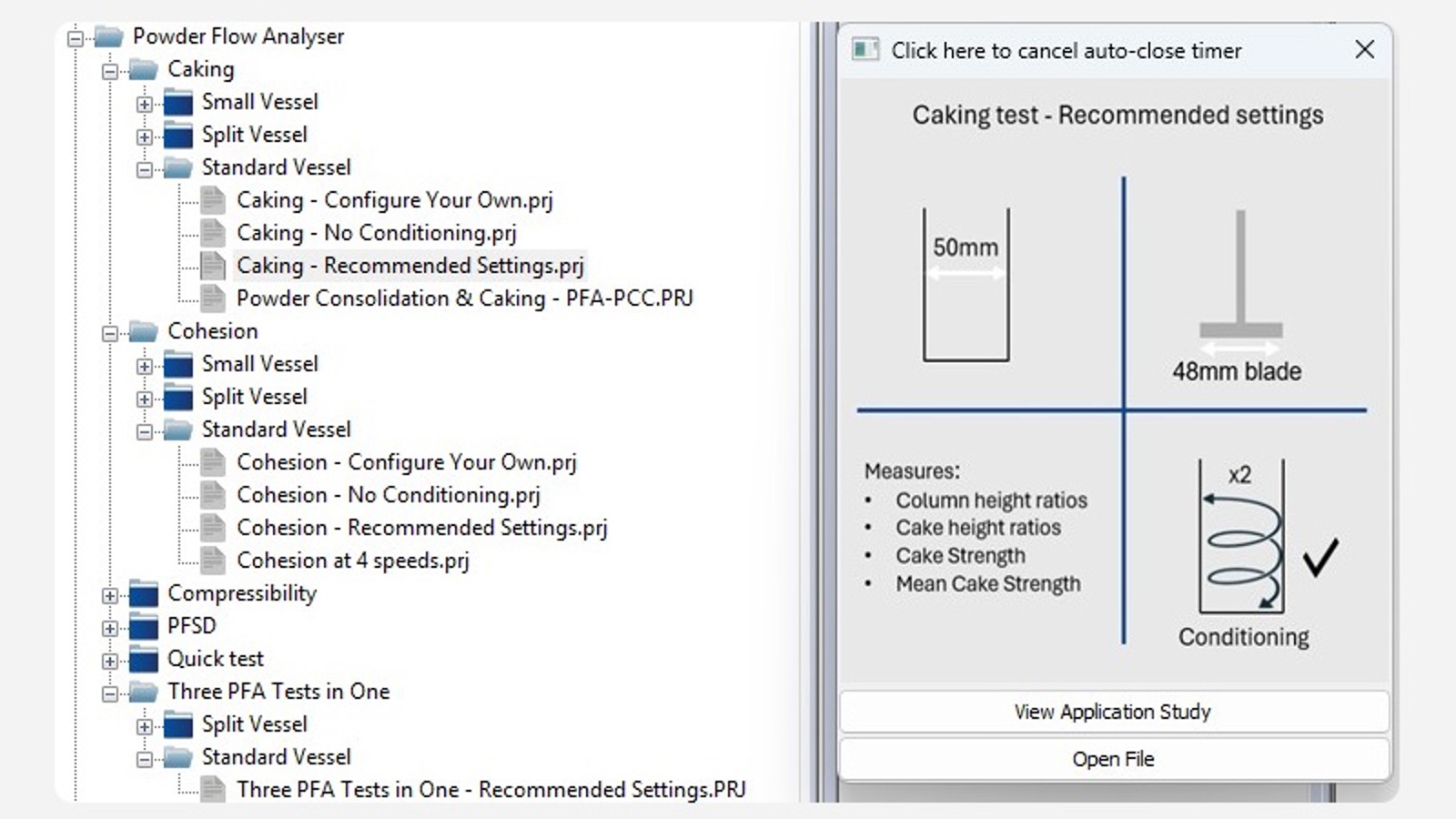 Ready-to-go powder testing projects for you to choose from
Macros and spreadsheets – analysis done for you
For each standard PFA test, a pre-written macro automatically extracts the key parameters from the test graph – Cohesion Index, Bridging Factor, Compaction Coefficient, Flow Stability, Mean Cake Strength, Cake Height Ratio, and all others – and passes them directly into a results spreadsheet. You don't need to manually identify features on the graph or write your own analysis code to get started.
The spreadsheet is pre-formatted to collect multiple samples, calculate averages and standard deviations, and display comparison charts across batches, suppliers, or formulations. Additional columns can be added if further calculations are needed for your specific application.
For more advanced users, Exponent Connect's macro language allows almost any feature of the force-distance-time trace to be captured and quantified, giving full flexibility to develop custom analysis routines where required.
 Caking project results template ready to receive data
The PFA help file – a comprehensive guide to your testing
The help file is built into Exponent Connect and is unique to the PFA – not a generic software manual.
It covers each test type in depth: what it measures, how to interpret the results, guidance on test conditions, and worked examples
It's the resource that supports a new user from first test to confident interpretation, without needing external training materials.
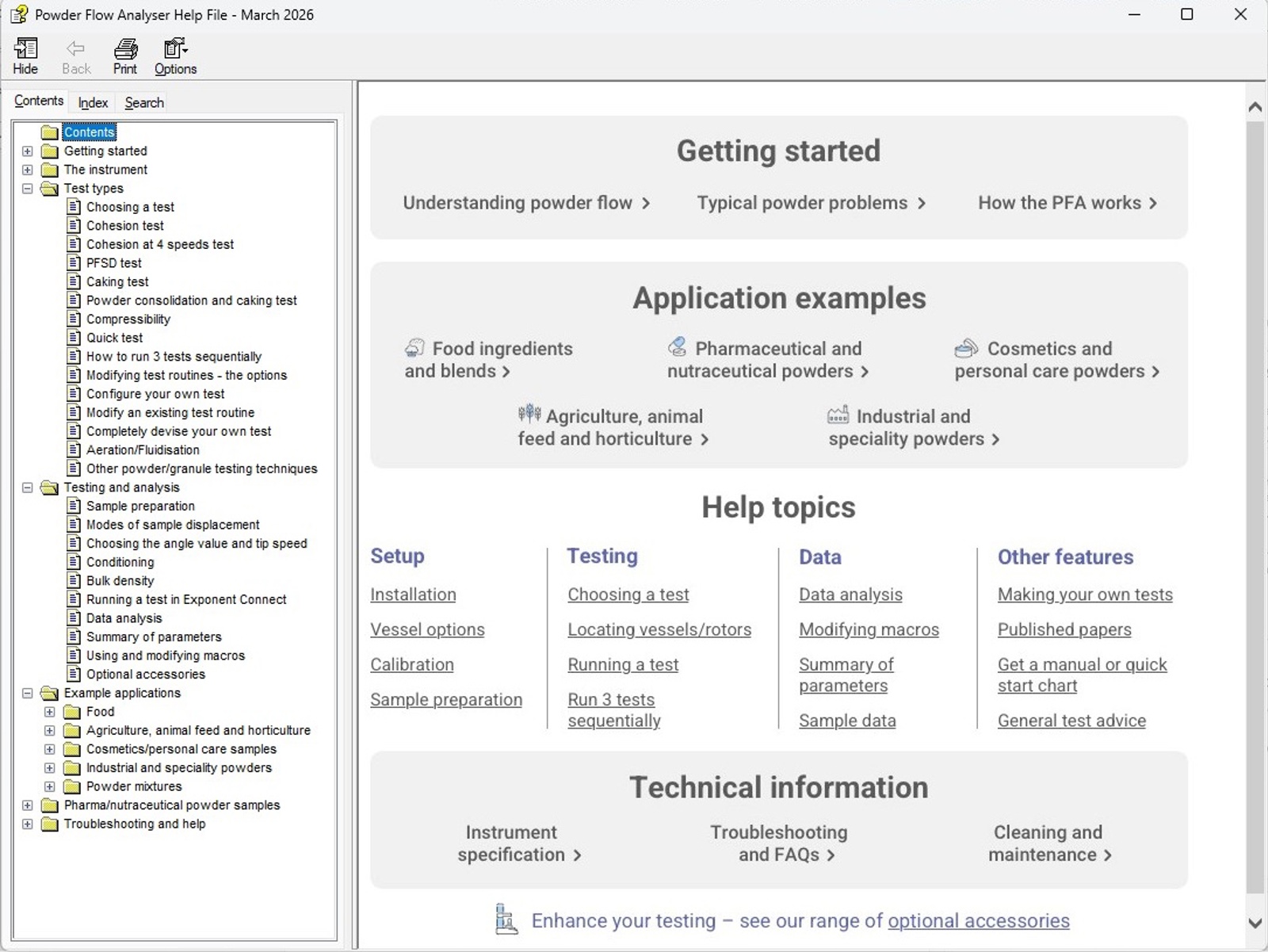 Dedicated help file for supporting your use of the Powder Flow Analyser
Exponent Connect – platform features
Beyond the PFA-specific content, Exponent Connect provides the full feature set used across all Stable Micro Systems' instruments:
- Real-time graphical display during testing
- Flexible chart types and report composition
- Data export to Excel and other Windows applications
- Language editor for localised interfaces
- Optional simultaneous capture of temperature, humidity, and acoustic emission data
- Data acquisition at up to 2,000 points per second
For the complete Exponent Connect feature overview, see the Texture Analyser software page.
Calibration of the Powder Flow Analyser
The PFA is factory-calibrated for force before dispatch. Users can easily re-calibrate in their own laboratory to meet internal quality requirements or industry regulations. Calibration covers distance and force measurement, and takes only a few minutes with the supplied calibration weight and height disc to both calibrate and verify.


